What Is OpenAI Business Hub? A Plain Guide for Marketers
OpenAI Business Hub lets companies claim their ChatGPT profile, add product feeds and see mention data. What it does, what it shows and what it can't do.
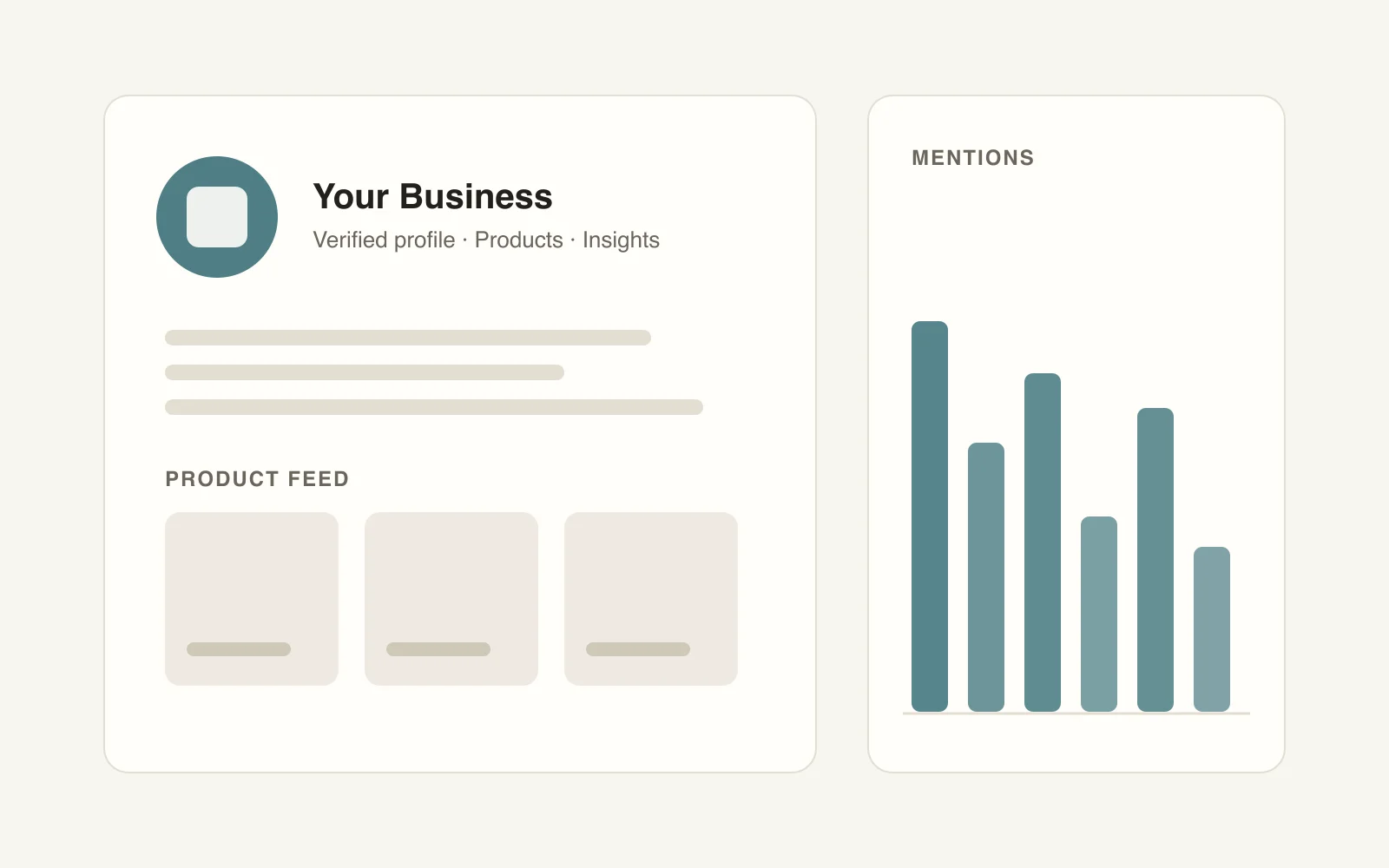
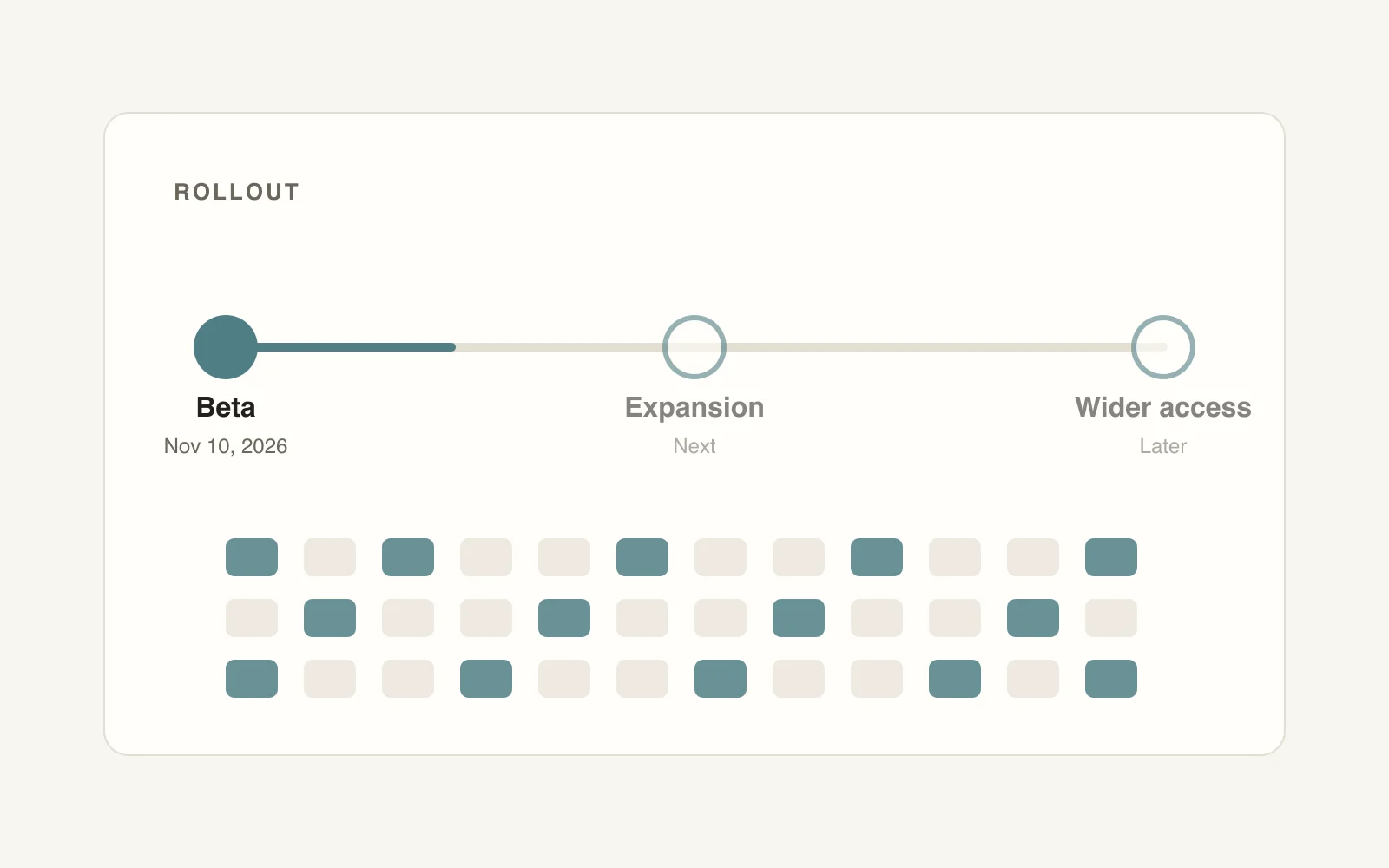
OpenAI Business Hub is a free dashboard inside ChatGPT where a company can claim its business profile, correct the information ChatGPT shows about it and see how often ChatGPT mentions it. OpenAI opened it in beta on November 10, 2026, as part of a program it calls Businesses in ChatGPT. You reach it at chatgpt.com/business-hub or from the ChatGPT sidebar.
If you’ve ever claimed a Google Business Profile, the idea will feel familiar. ChatGPT already talks about your company when people ask for recommendations. Business Hub is the first official place where you can see a slice of that activity and feed ChatGPT accurate facts about who you are and what you sell.
Why OpenAI built it
ChatGPT has around 1.2 billion weekly users, according to OpenAI, and a growing share of them ask it what to buy, which service to hire or which brand fits their needs. Until now, businesses had no direct line into those answers. ChatGPT pieced together company details from the open web, and owners had no way to check what it said or fix mistakes.
OpenAI describes the program as “a self-service way for businesses to contribute their business information to ChatGPT.” In practice it does three jobs: it confirms who owns a listing, it lets that owner supply structured facts and it reports back some numbers on visibility.
The four parts of Business Hub
1. Your business profile
Once a claim is approved, you can edit a profile with five areas:
- About: a business category and an optional description
- Contact: website (required), phone and email (both optional)
- Photos: a logo and a cover image
- Delivery: whether you deliver, and whether delivery is free, paid or free above a minimum order
- Returns: whether you accept returns, any fees and the return window
OpenAI reviews changes before they go live, so edits can take a while to appear in answers. Verified profiles get a blue checkmark.
2. Product feeds
Online stores can connect a product catalog so ChatGPT has current prices and stock levels. There are three ways to do it: upload a CSV that follows OpenAI’s product feed format, point Business Hub at a hosted feed URL or connect a Shopify store. Shopify merchants whose products already sit in Shopify Catalog get the shortest route, since prices and availability stay in sync.
You need a verified website domain before you can add products.
3. Insights
This is the part marketers will open most. Insights reports aggregated numbers in daily charts:
- Mentions: how often ChatGPT referenced your business. For online businesses, early guides say this counts responses that point to your website. Your brand name appearing in text without a link may not count.
- Website clicks: clicks on links to your site from ChatGPT. OpenAI’s own tooltip warns that these “don’t confirm website visits or conversions.”
- Discovery topics: the top five themes in conversations where you appeared, with each theme’s share of mentions.
Coverage at launch described a 28-day view, and at least one early user reports a switch between 7 and 28 days. OpenAI’s launch images also showed a profile views tile that not every account seems to have yet. Expect the metric set to shift during the beta.
Insights only appears once your numbers pass OpenAI’s minimum thresholds. A blank chart may mean low volume or data still being collected. It doesn’t necessarily mean zero.
4. Business agents
Eligible businesses can build a business agent: a separate, clearly labeled ChatGPT conversation that answers questions about the company’s products, services and policies. A shopper who sees your brand in an answer can open your profile and chat with the agent to compare models or check return terms.
You build the agent from your product feed, your policies and written guidelines, then preview it and publish. You can’t plug in an agent you built elsewhere. The agent also can’t take payment, make bookings or check order status. For those, it sends the shopper to your website.
At launch, agents are limited to US businesses in e-commerce and online services. The same underlying agent powers OpenAI’s paid Sponsored Business Agents, which run as ad destinations through ChatGPT Ads.
How claiming works
The process runs in two stages.
First, prove you’re connected to the business. Search for your listing in Business Hub, accept the terms and pick a verification method: a code sent to the business phone, a code sent to a business email, a DNS TXT record on your domain or a Shopify connection.
Second, prove who you are. After OpenAI approves the claim, an admin completes identity verification through Persona, which may ask for a government ID, business registration details and proof that you can act for the company. Persona approval unlocks publishing, Insights, the checkmark and agents.
OpenAI publishes no review timeline. You can invite other admins or an agency by email once you’re in, and each person needs their own ChatGPT account.
What Business Hub doesn’t do
A few limits matter for planning:
- It doesn’t buy rankings. OpenAI says claiming a profile gives no guarantee of more visibility and no control over ChatGPT’s recommendations. Benji Shomair, OpenAI’s VP of monetization, said the hub “should not have an impact” on how often a company appears and that ChatGPT has to “maintain objectivity.”
- It doesn’t show prompts. You won’t see what users typed or read any conversation, including chats with your own agent. You get themes and counts.
- It doesn’t show competitors. There’s no share-of-voice view and no sentiment or accuracy check on how ChatGPT describes you.
- It covers ChatGPT only. Gemini, Claude, Perplexity and Copilot sit outside it.
The indirect effect is still worth having. Shomair also said accurate business data can help ChatGPT surface a company in more relevant conversations. Correct contact details, return terms and live prices give the model fewer reasons to leave you out or get you wrong.
Should you claim yours?
For most businesses, yes. It’s free, it takes an afternoon and it closes a gap that has existed since people started asking ChatGPT for recommendations: no owner could see or correct what it knew. Claim the listing before someone else does, fill in every field, connect a product feed if you sell online and start a monthly note of your mention count and top topics.
Then treat Insights the way you’d treat any new data source. Watch the trend, compare it with referral traffic from chatgpt.com in your own analytics and don’t build a strategy on a single month.
Next in this series: OpenAI Business Hub Rollout: Who Can Use It Now and OpenAI Business Hub vs Google Search Console. For the bigger picture on AI answers, read Generative Engine Optimization: How to Get Cited by AI. Browse more AI marketing guides.